


ERP Integrations
Connect Your ERP to the Systems That Keep Your Business Moving
Explore proven integration products for NetSuite and Acumatica, then talk with a Kalpa advisor about the right fit for your systems, workflows, and goals.


Trusted ERP expertise backed by 200+ successful implementations.
Kalpa ERP Community Members receive discounts on eligible Kalpa Connect integration products
Click here to learn more about the Kalpa ERP Community.
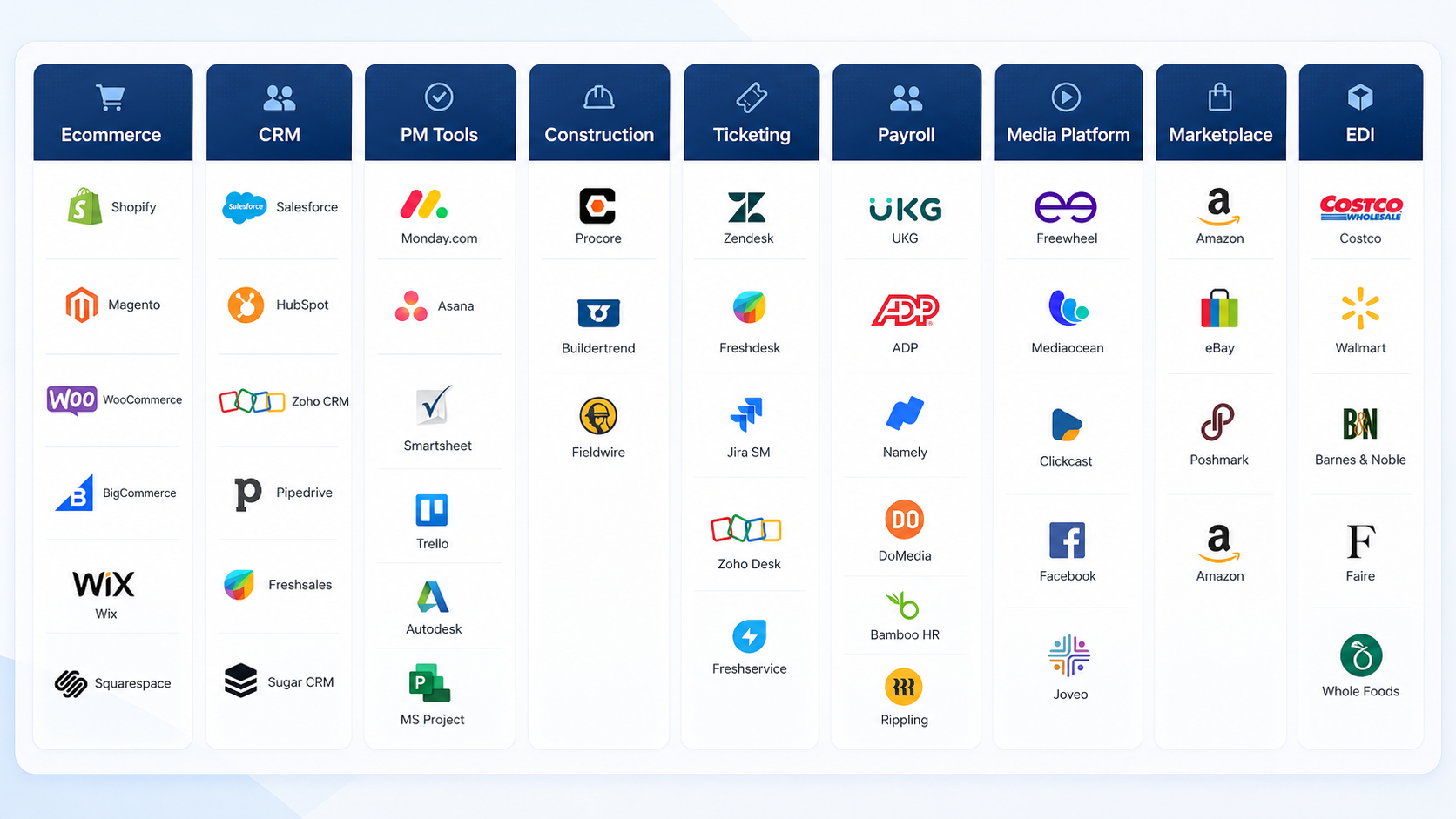
Choose What You Need to Connect
Each product gives you a proven starting point, with room to adapt the integration around your records, workflows, and operating model.

Don’t See the Integration You Need?
Every environment has its own systems, data flows, and business rules. Kalpa can help you evaluate the best integration path, whether that means using one of our existing products, adapting a connector to your workflow, or building a custom ERP integration.
For more complex environments, using the Kalpa Integrator Tool, we also support API-based and event-driven integrations using services such as AWS EventBridge and Microsoft Azure.
Tell us what needs to connect
Share your system setup, external system, records, and workflow pain points.
We recommend the right path
We will confirm whether a product, adapted product, or custom build makes the most sense.
You get a practical next step
No guessing. No bloated scope. Just a clear integration direction.

The Right Integration Starts With Understanding How Your Business Works
Every business moves information differently. Your systems, approvals, teams, and reporting needs all shape what the right integration should look like.
That is why Kalpa starts by understanding the workflow behind the connection. We look at what needs to move between systems, where your team is spending time today, and what a better process should make easier.
1 Understand Your Workflow
We start with how information moves through your business today, where teams rely on manual steps, and what you want the integration to make easier.
- Systems and records involved
- Current handoffs and repeated tasks
- Required approvals and reporting
- Business goals and future needs
2 Identify the Right Integration Path
We compare your requirements with our available integration products and determine whether a proven connector, an adapted configuration, or a more tailored approach is the best fit.
3 Build a Clear Way Forward
You leave the conversation with a clearer understanding of what can be connected, which product fits your workflow, and the practical next step for moving forward.
Tell us what you want your systems to do together.

Frequently Asked Questions
-
That is exactly what the call is for. We will ask about the systems you use, the information that needs to move between them, and the workflow you want to improve. From there, we can help you understand which Kalpa integration is the closest fit.
-
No. A clear goal is enough to start.
You may know that your team is repeating work, moving information manually, or missing visibility between systems without knowing the exact solution. We can help you turn that goal into a clearer integration path.
-
That is common. Businesses often use the same platforms in different ways.
We begin by understanding how your team works today, then look at whether one of our existing products fits, can be adapted, or points toward a more tailored approach.
-
The goal is to make your existing workflow easier, not introduce change for the sake of change.
We look for practical ways to reduce unnecessary handoffs and help information move more smoothly between the systems your team already relies on.
-
No. Many businesses explore integration because their internal team is already balancing competing priorities.
During the call, we will identify who needs to be involved and what information is required to evaluate the opportunity. You do not need to assemble a large project team before the first conversation.
-
No. You may be actively planning a project or simply exploring what is possible.
Speaking earlier can help you identify the right questions, avoid unnecessary complexity, and make a more informed decision when the timing is right.
Ready to Find the Right Way to Connect Your Systems?
Tell us which ERP you use, what you want to connect, and what you want the workflow to make easier.
We’ll help you understand the best path forward, whether that means one of our existing integration products or a solution shaped around your requirements.
No detailed scope required. Start with the workflow you want to improve.